





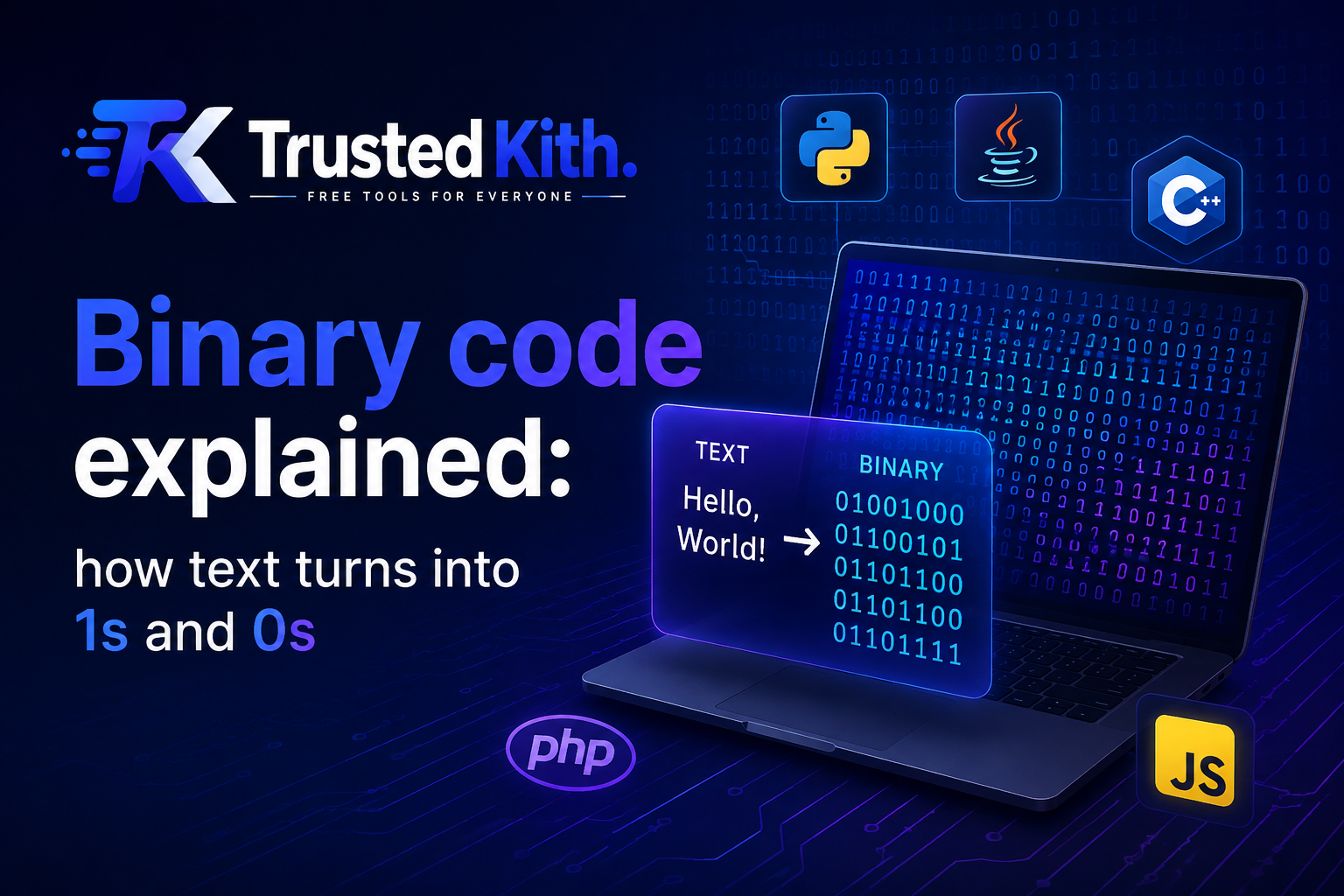
When you type the letter A, your computer has to turn that character into something its hardware can store and process.
That something is binary: a stream of 1s and 0s.
The basic idea is simple. A character gets assigned a number, and that number gets stored as binary. The exact number depends on the character encoding being used.
Once you understand that chain, text-to-binary conversion gets much easier to follow.
What is binary code?
Binary is a number system that uses only 2 digits:
01
Computers work with electrical states that can be represented as two possible values, so binary fits naturally into digital hardware.
A single binary digit is called a bit. Eight bits make up a byte.
For example:
01000001
That’s 8 bits, or 1 byte.
The interesting part is figuring out what that byte means.
How does a letter become a number?
Computers use character encodings to assign numeric values to characters.
ASCII is one of the best-known examples.
ASCII, short for American Standard Code for Information Interchange, assigns numbers to common English letters, digits, punctuation marks, and control characters.
For example:
| Character | ASCII decimal | Binary |
|---|---|---|
A | 65 | 01000001 |
B | 66 | 01000010 |
C | 67 | 01000011 |
a | 97 | 01100001 |
0 | 48 | 00110000 |
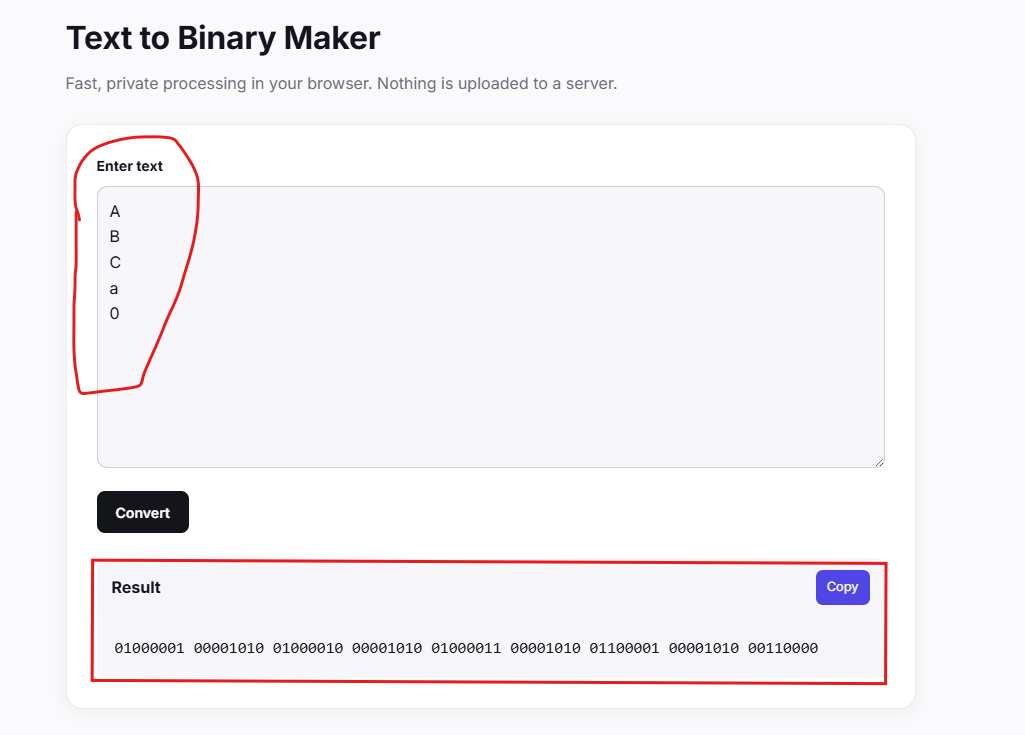
Notice that uppercase A and lowercase a have different values.
A is decimal 65, while a is decimal 97.
Manually converting “A” to binary
Let’s walk through it without using a converter.
ASCII gives the letter A the decimal value 65.
Now convert 65 into binary.
The powers of 2 we need are:
128 64 32 16 8 4 2 1
Start with 65.
65 contains 64, so put a 1 under 64.
That leaves:
65 - 64 = 1
The remaining value is 1, which goes under the final 1.
So we get:
128 64 32 16 8 4 2 1
  0  1  0  0 0 0 0 1
Therefore:
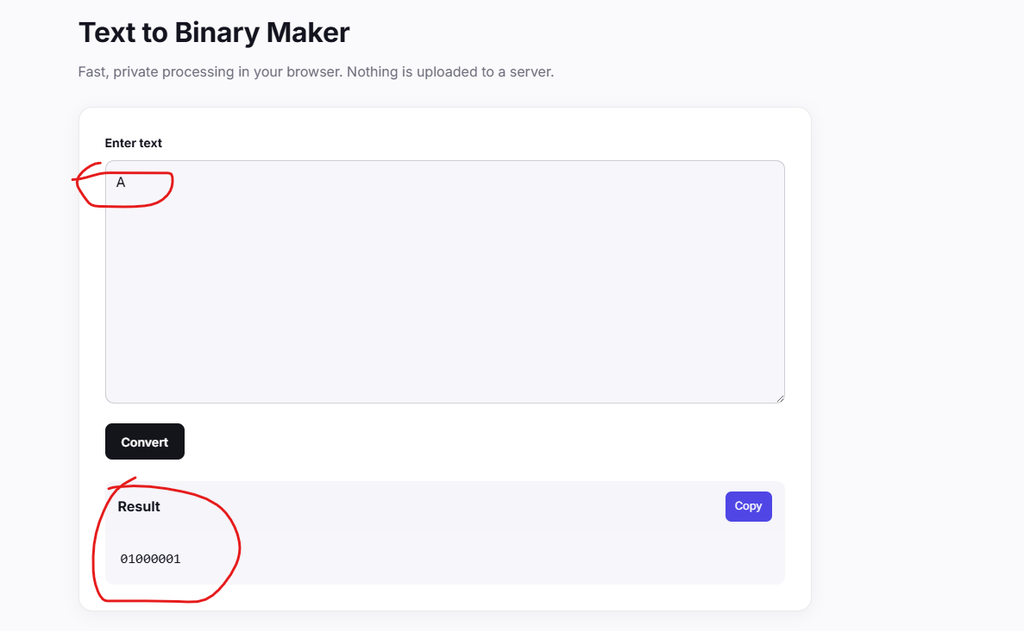
A = 65 = 01000001
That’s the complete 8-bit ASCII representation of the letter A.
Why are there 8 bits?
ASCII originally uses 7 bits for its standard character set, giving it 128 possible values from 0 through 127.
When people write ASCII characters as bytes, they commonly pad those values to 8 bits.
So:
65
becomes:
01000001
The leading 0 doesn’t change the number. It simply fills the byte to 8 bits.
What about a whole word?
Take the word:
CAT
Each character gets its own ASCII value.
C = 67 = 01000011
A = 65 = 01000001
T = 84 = 01010100
Put those bytes together:
01000011 01000001 01010100
That’s CAT represented as 3 bytes of binary.
The same process works for longer text. Each character is converted according to the encoding, then the resulting bytes can be stored or transmitted.
ASCII has limits
ASCII works nicely for basic English text, but its character set is small.
It doesn’t contain characters such as:
             é
             中
             Ж
            😊
That’s where Unicode comes in.
Unicode provides a standard way to assign code points to characters used across many writing systems and symbol sets.
But Unicode and UTF-8 aren’t the same thing.
That’s an easy distinction to miss.
Unicode vs. UTF-8
Unicode defines code points for characters.
For example, the Unicode code point for A is:
U+0041
UTF-8 is an encoding that turns Unicode code points into bytes.
For basic English characters, UTF-8 matches ASCII byte-for-byte.
So:
A
has Unicode code point:
U+0041
and its UTF-8 byte is:
01000001
For other characters, UTF-8 can use multiple bytes.
For example, the character é is encoded in UTF-8 using 2 bytes:
11000011 10101001
An emoji such as 😊 requires 4 UTF-8 bytes.
That’s why a character doesn’t always equal 1 byte.
Why Unicode matters
Suppose you’re writing a message containing English, Japanese, and an emoji:
Hello 世界 😊
ASCII can’t represent all of those characters.
Unicode gives each character a code point, while an encoding such as UTF-8 determines how those code points are stored as bytes.
UTF-8 is widely used on the web because it can represent the huge range of characters defined by Unicode while keeping ordinary ASCII text compact.
Text to binary in practice
You can do these conversions by hand, but a converter is much faster when you’re working with sentences or larger strings.
For a quick conversion, try the Text to Binary Maker. Enter your text and it converts the characters into binary values.
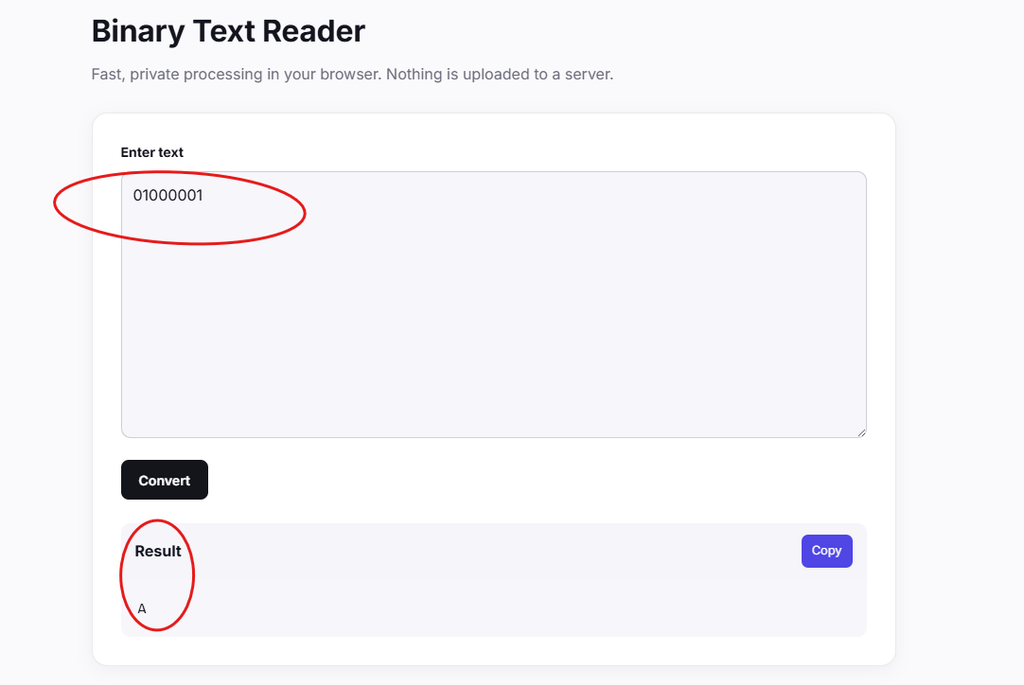
If you already have binary and want to see the original text, the Binary Text Reader goes in the other direction.
The basic flow looks like this:
             Text
               ↓
          Character encoding
                  ↓
             Numeric values
                     ↓
                     Bytes
                         ↓
                         Binary
And when decoding:
          Binary
            ↓
          Bytes
            ↓
       Character encoding
             ↓
           Text
A useful mental model
Think of a character as having an assigned number.
For ASCII:
A → 65
Then think of binary as another way to write that number:
65 → 01000001
So the complete conversion is:
A → 65 → 01000001
For Unicode and UTF-8, the path can involve a Unicode code point and one or more encoded bytes:
Character → Unicode code point → UTF-8 bytes → binary
That’s the whole trick.
Once you separate characters, code points, bytes, and binary, text encoding stops looking mysterious. It’s a set of numbers being represented in different forms.