



Passwords, file downloads, login forms, API data. Hashing sits underneath a surprising amount of the web.
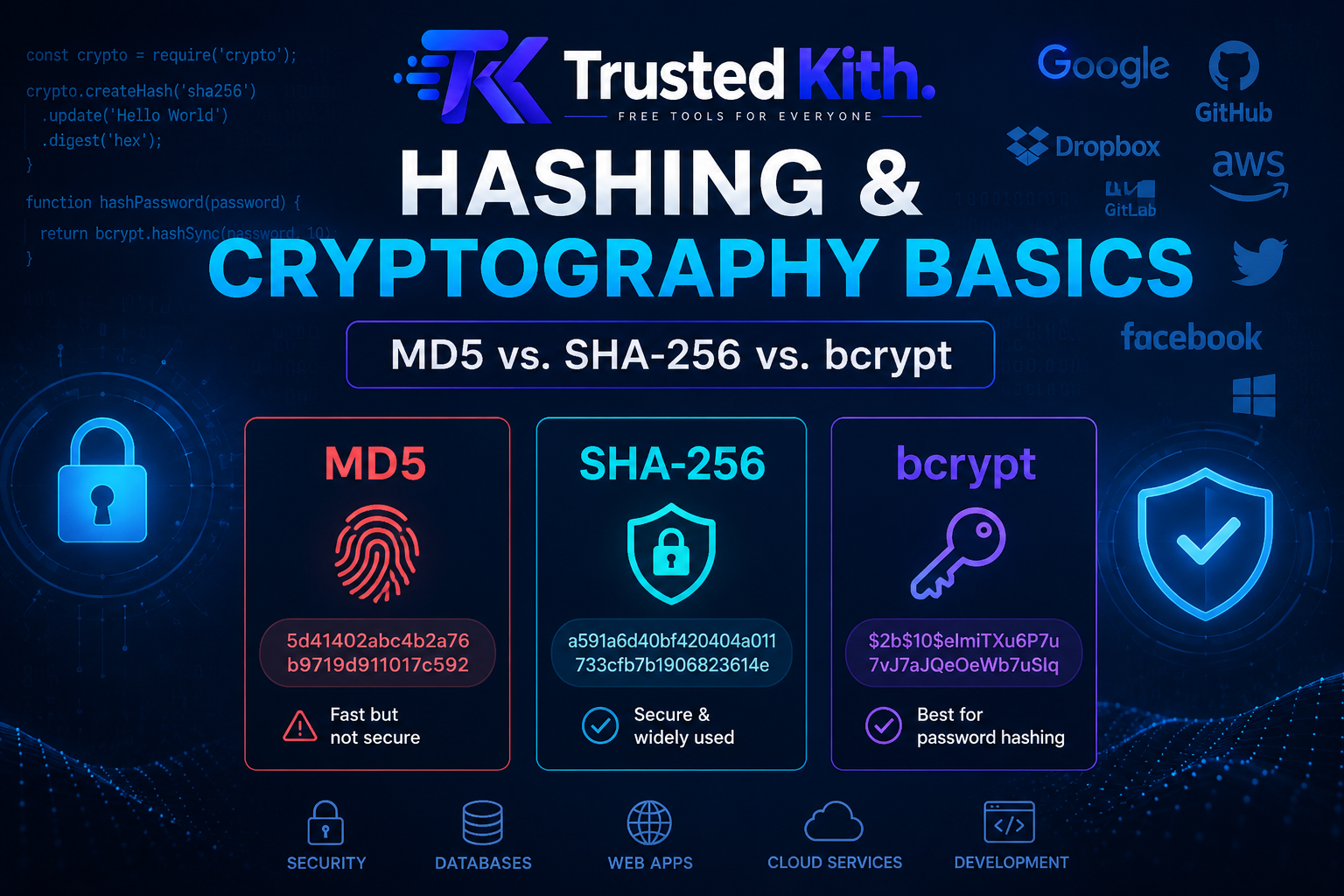
The confusing part is that MD5, SHA-256, and bcrypt all turn input into a string of characters, but they were built for different jobs. Picking the wrong one can leave a security hole where you thought you had protection.
What is a hash?
A cryptographic hash function takes data and produces a fixed-size value called a hash or digest.
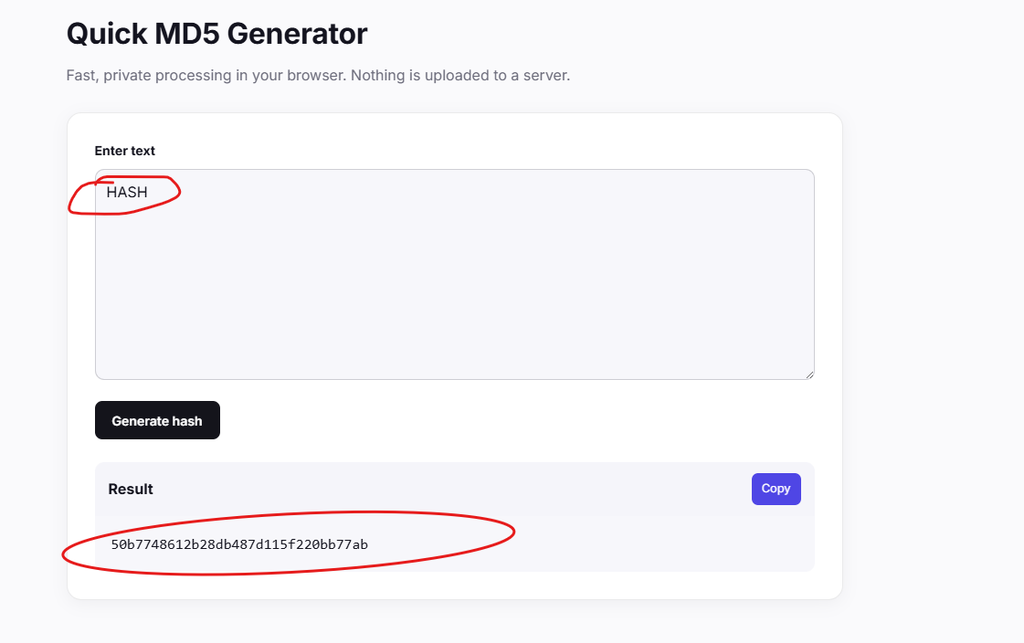
For example, you can feed a sentence into MD5 and get a 32-character hexadecimal value. Change one character in the sentence and the resulting hash changes dramatically.
A good cryptographic hash has a few useful properties:
- The same input produces the same hash.
- Small input changes produce very different hashes.
- Getting the original input from the hash should be computationally impractical.
- Finding 2 different inputs with the same hash should be extremely difficult.
That makes hashing useful for checking whether data changed.
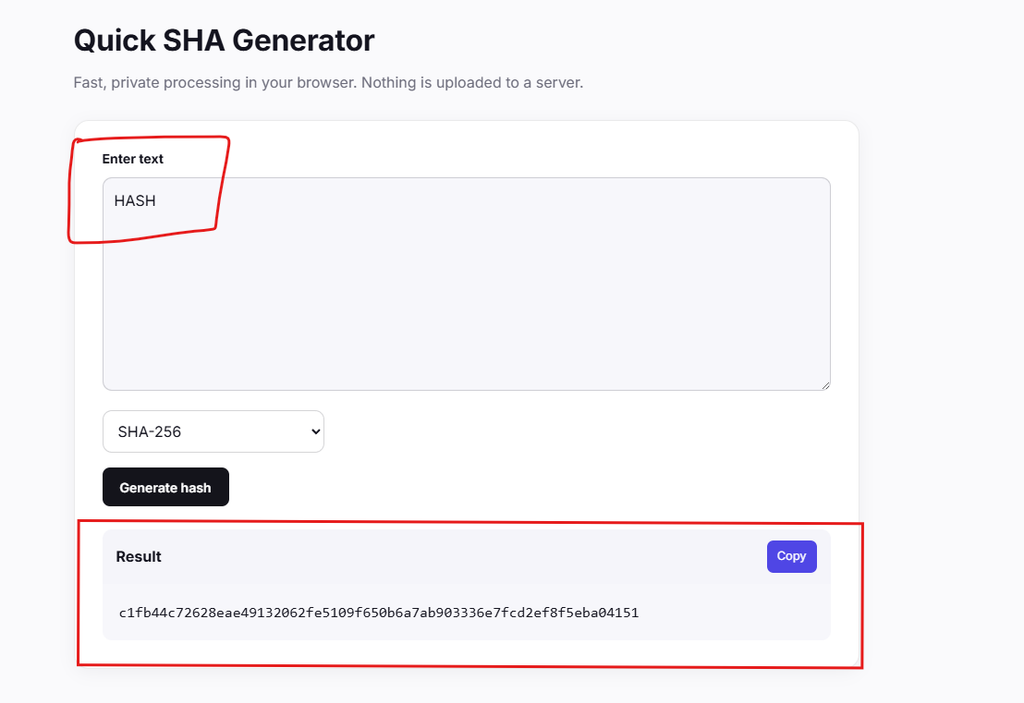
Say you download a large software file. A published SHA-256 hash gives you something to compare against. Hash the file yourself and compare the results. If they match, you have strong evidence that the file you received matches the expected data.
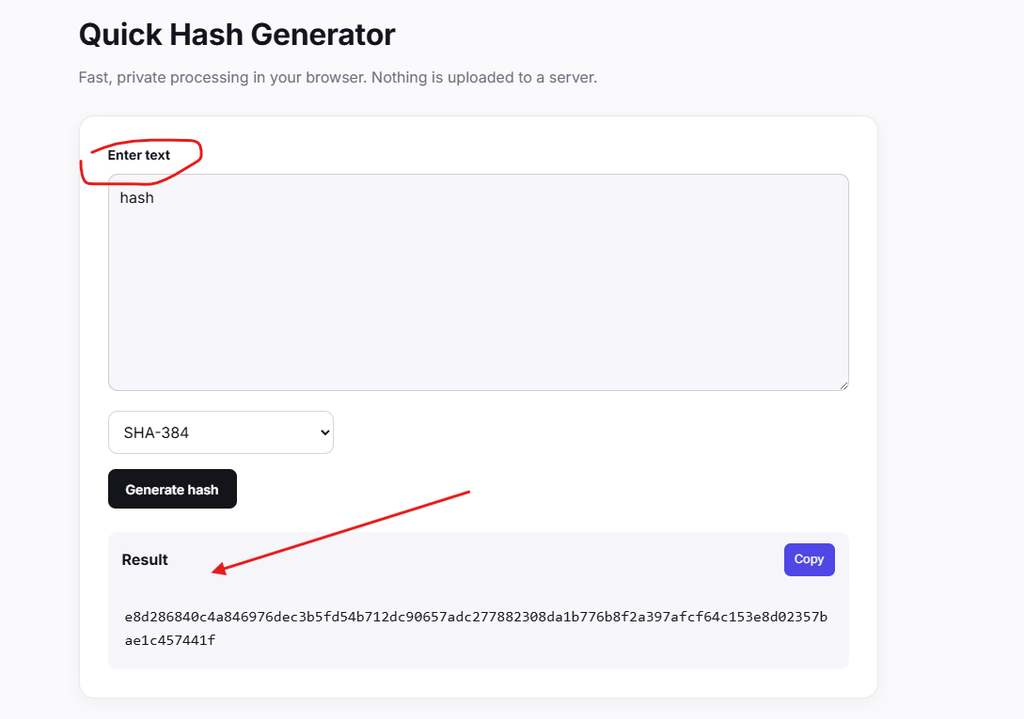
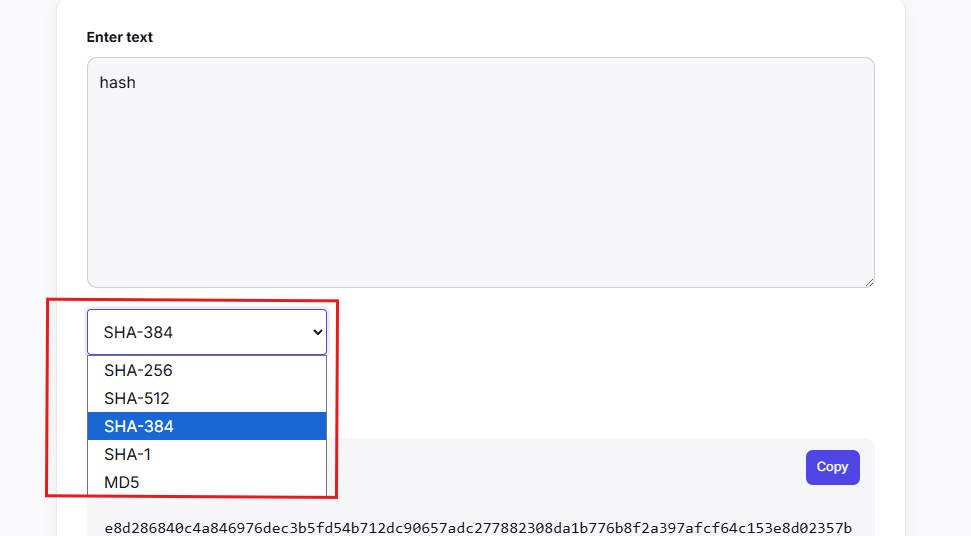
You can try that with the Quick SHA Generator.
MD5: fast, famous, and outdated for security
MD5 was designed as a cryptographic hash function and became extremely popular.
It’s also very fast.
That speed became a problem. Researchers found practical collision attacks against MD5, where different inputs can be crafted to produce the same hash. That makes MD5 unsuitable for security-sensitive integrity checks.
You might still encounter MD5 in old systems, legacy checksums, or applications where cryptographic security isn’t required.
For new security work, use SHA-256 or a modern password-hashing algorithm depending on the job.
You can see how an MD5 digest is produced with the Quick MD5 Generator.
SHA-256: a much better fit for data integrity
SHA-256 belongs to the SHA-2 family and produces a 256-bit hash.
It’s widely used for file verification, digital signatures, certificates, blockchain systems, and other applications where a strong general-purpose hash is useful.
There’s a catch when passwords enter the picture.
SHA-256 is designed to be fast. An attacker who steals a database full of SHA-256 password hashes can test huge numbers of guesses quickly, especially with specialized hardware.
So SHA-256 is a good tool for many integrity checks. It’s a poor choice for storing passwords by itself.
That’s where bcrypt comes in.
Bcrypt: built for password storage
Bcrypt was designed specifically for password hashing.
When you hash a password with bcrypt, the resulting string contains a salt and information about the cost setting used to create the hash. The salt is random data added to the password before hashing.
That salt matters because 2 users with the same password should still have different stored hashes.
It also makes large precomputed lookup tables far less useful to an attacker.
Bcrypt is intentionally slower than MD5 or SHA-256. That’s the point. Password verification happens relatively infrequently, while an attacker may want to test millions or billions of guesses.
Bcrypt makes each guess more expensive.
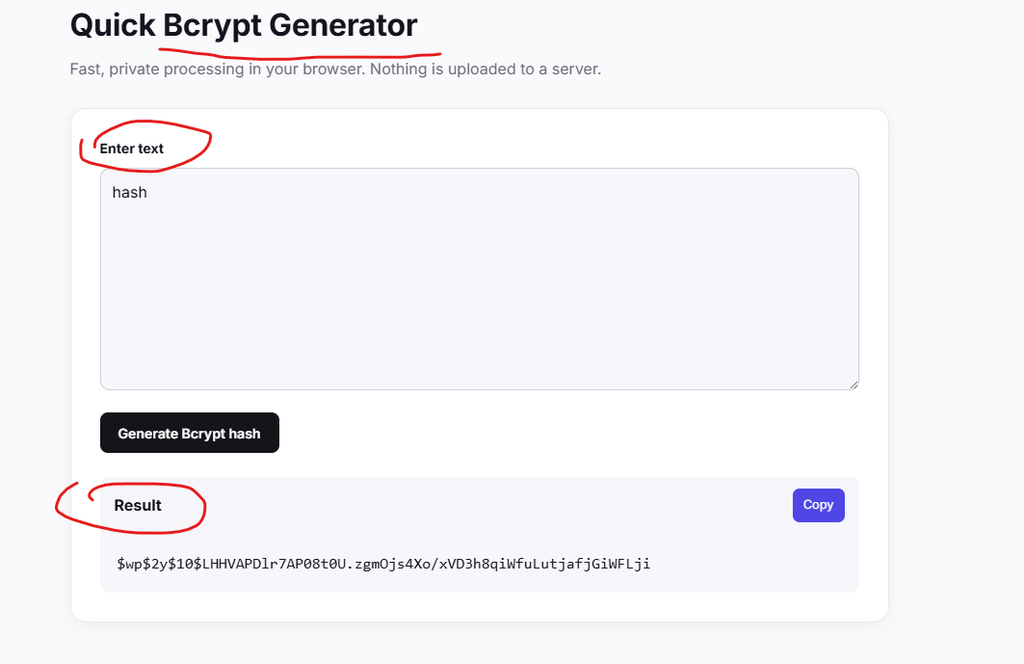
Try generating a bcrypt hash with the Quick Bcrypt Generator.
Hashing vs. encryption
This distinction causes plenty of confusion.
Encryption is designed to be reversible. You encrypt data with a key, then decrypt it with the right key.
Hashing is designed to be one-way. You hash data and get a digest that isn’t meant to be converted back into the original input.
That makes hashing useful for password storage.
A website shouldn’t need to know your original password when you log in. It can hash the password you entered and compare that result with the stored password hash.
If the hashes match, the password is accepted.
Why passwords need special treatment
Imagine a database containing this:
alice@example.com → 482c811da5d5b4bc6d497ffa98491e38
If that value is an MD5 hash of a password, an attacker can throw enormous numbers of guesses at it.
Short passwords are especially vulnerable. A password like:
Summer2026
has far less resistance to guessing than a long, randomly generated password.
Adding a salt helps protect stored password hashes from precomputed attacks. A slow password-hashing function such as bcrypt then makes each guess cost more computing time.
The goal is simple: make legitimate password verification practical while making mass guessing expensive.
How to create a password that survives guessing
Length gives you a lot of protection.
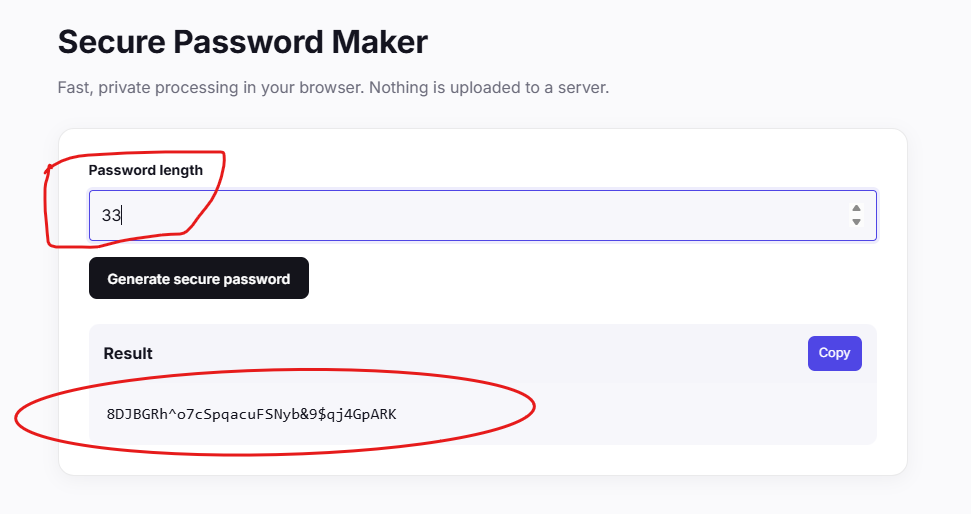
A long, randomly generated password is generally much harder to guess than a short password packed with predictable substitutions, such as replacing a with @.
For important accounts, use a password manager to generate unique passwords. Don’t reuse the same password across your email, banking, shopping, and social accounts.
A practical setup looks like this:
- Use a unique password for every important account.
- Prefer long, randomly generated passwords.
- Use a password manager when possible.
- Turn on multi-factor authentication when a service supports it.
- Change a password when you know it has been exposed.
- Avoid passwords based on names, birthdays, favorite teams, or other public information.
You can also check password strength with the Password Strength Test.
For privacy, be careful about entering a real password into any online password tester. A strength checker can be useful for learning, but your actual account password belongs in the login system you’re using, not in a random website form.
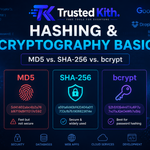
MD5 vs. SHA-256 vs. bcrypt
| Algorithm | Main use | Speed | Password storage |
|---|---|---|---|
| MD5 | Legacy checksums and old systems | Very fast | ❌ Don’t use |
| SHA-256 | Data integrity and cryptographic applications | Fast | ❌ Don’t use by itself |
| bcrypt | Password hashing | Intentionally slow | ✅ Designed for this |
The big idea is easy to remember.
MD5 and SHA-256 are general-purpose hash functions. Bcrypt is a password-hashing function designed to make guessing expensive.
So when you’re checking whether a file changed, SHA-256 is a sensible choice. When you’re storing passwords, use a dedicated password-hashing algorithm such as bcrypt, with a properly configured cost factor.
And when you’re creating your own passwords, give attackers as little to work with as possible: make them long, unique, and hard to guess.